
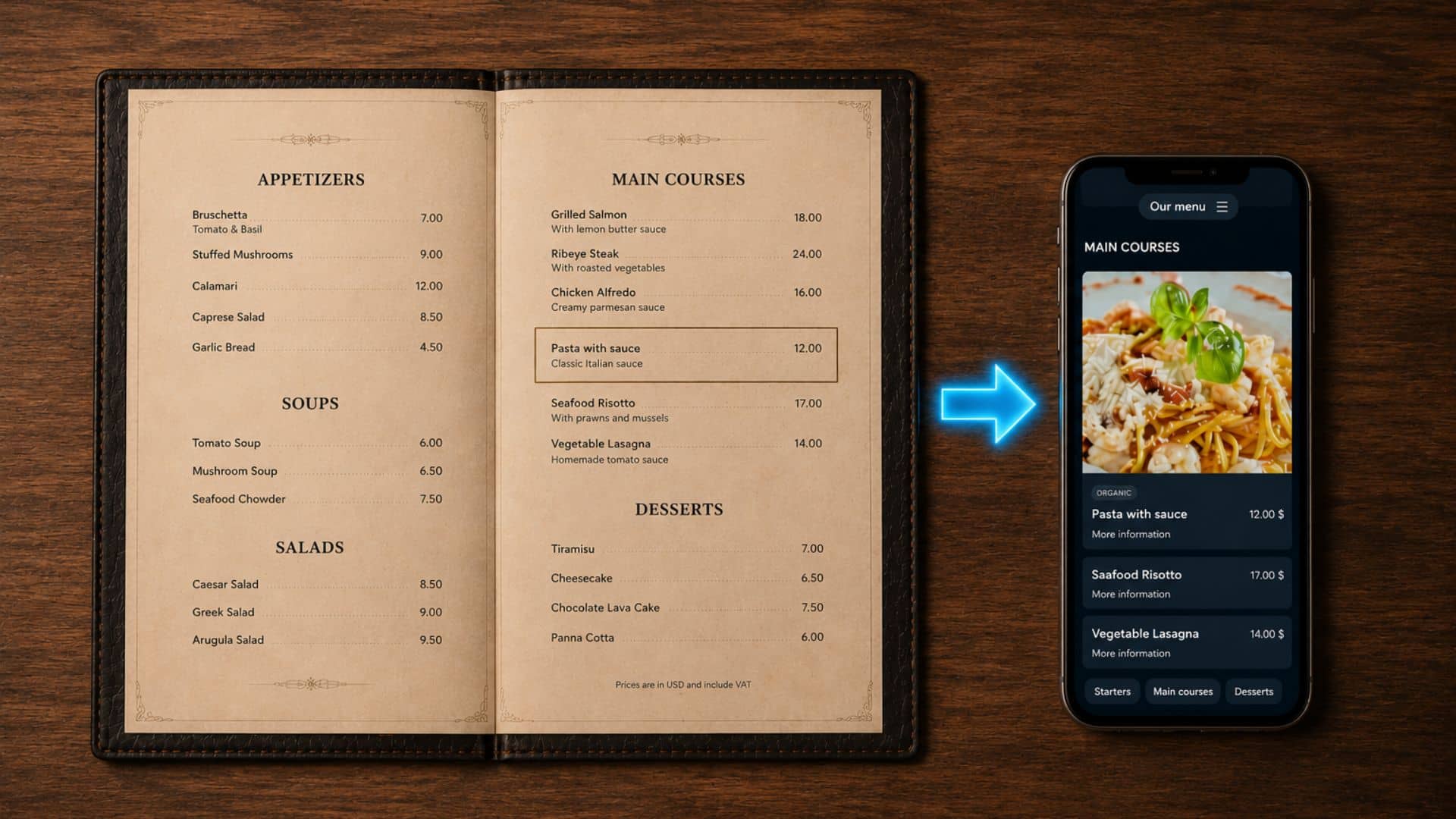
Do you already have a menu in a Word document or a PDF? With BuonMenu you don't need to retype everything by hand. You can simply upload your existing document and our AI will create your digital menu automatically, with all the menus, categories, dishes and prices.
This is the fastest way to get started: in a few minutes you can turn an old document into a beautiful digital menu with QR code that your customers can read on their smartphone.
What you can import
You can import a menu from the following document formats:
- PDF (
.pdf) - Word (
.docx) - OpenDocument (
.odt)
The document can be a menu you designed yourself, a file your graphic designer prepared, or even a simple text document where you listed your dishes and prices.
The maximum file size is 30 MB.
How to import your menu
The whole process takes just a few clicks:
- Log in to BuonMenu in order to manage your restaurant
- From your restaurant dashboard, click Import menu
- Click the file field and select the PDF, Word or OpenDocument file with your restaurant menu
- Click the Import button
That's it. The import runs in the background and may take a few minutes. You can leave the page and come back later: when the menu is ready you will see it in your dashboard.
What gets imported
Our AI reads your document and recreates the full structure of your menu, including:
- Menus (e.g. Lunch menu, À la carte, Wine list)
- Categories (e.g. Starters, Main courses, Desserts)
- Items, with their descriptions and prices
- Ingredients and labels, when they are present in the document
- Variants for dishes that have explicit size or portion options (e.g. small / large, glass / bottle)
The menu is imported in its original language. If you want a multilingual menu, you can add automatic AI translations afterwards.
Please note that images are not imported: the AI extracts the text content of your menu, and you can add photos of your dishes later, directly from the dashboard.
Review your imported menu
When the import is finished you will see a confirmation in your dashboard. We recommend that you review the imported menu and make any adjustments you need.
AI is very accurate, but it can make mistakes, so it's a good idea to double-check important information such as prices, ingredients and allergens.
Everything can be edited easily: you can change any item, move it between categories, archive it or delete it.
After the import
Once your menu has been imported, you can take advantage of all the other features of BuonMenu:
- Add photos of your dishes to make the menu more appealing
- Translate your menu into several languages with built-in AI translations
- Manage allergens and show them clearly to your customers
- Download and print the QR code to put on your tables
Get started
Try BuonMenu for free for 14 days, without any obligation.
If you have any questions, you can contact us by email.
We would be happy to help you digitize your menu.